> ## Documentation Index
> Fetch the complete documentation index at: https://docs.vizkraft.com/llms.txt
> Use this file to discover all available pages before exploring further.
# Partner demo
> Try embedding with Acme Analytics—a session-only mock customer app that mounts @vizkraft/embed without putting the API key in the browser.
export const DocsDemoVideo = ({category = 'cookbooks', slug, caption}) => {
const base = `/public/recordings/${category}/${slug}`;
return
{caption ?
{caption}
: null}
;
};
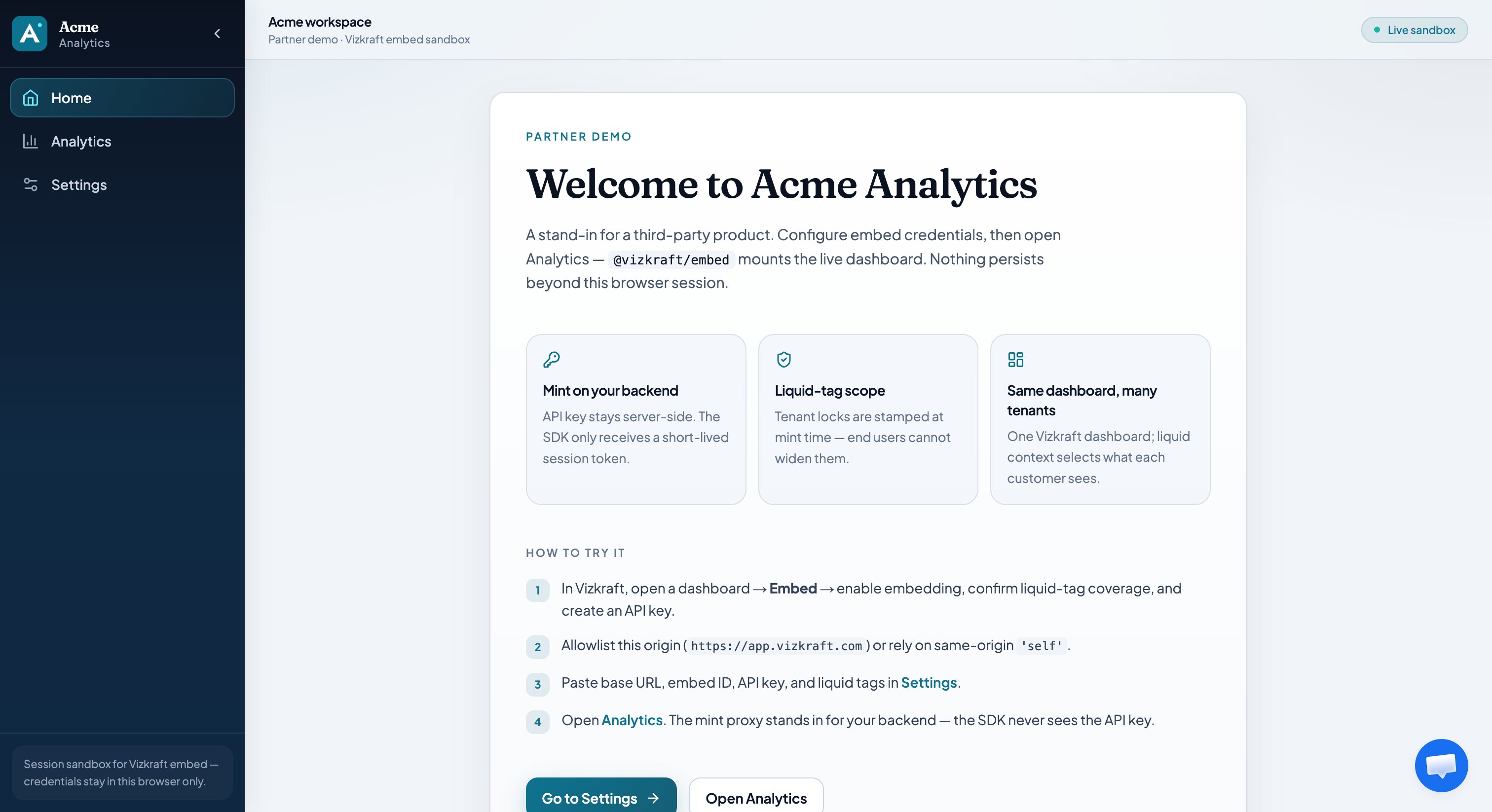
The partner demo is a sandbox third-party app (**Acme Analytics**) that ships with Vizkraft. Use it to validate origins, liquid tags, and the SDK before you integrate in production.
## URL
Open the demo at [https://app.vizkraft.com/partner-demo](https://app.vizkraft.com/partner-demo).
Credentials stay in the **browser session** for this sandbox only—they are not written to Vizkraft as a permanent partner config.
## Steps
Open your dashboard in [app.vizkraft.com](https://app.vizkraft.com), enable embedding, add liquid tags, confirm coverage, and create an API key. See [Admin setup](/embed/admin-setup).
Add `https://app.vizkraft.com` under Allowed origins so the demo can iframe the embed.
Open **Partner demo → Settings**. Paste base URL, embed id, API key, and liquid tag values (for example `department_id=1`).
Acme calls `/api/partner-demo/session` (stand-in for your backend), then mounts `@vizkraft/embed` with `getSessionToken`. The API key never reaches the SDK.
## What to verify
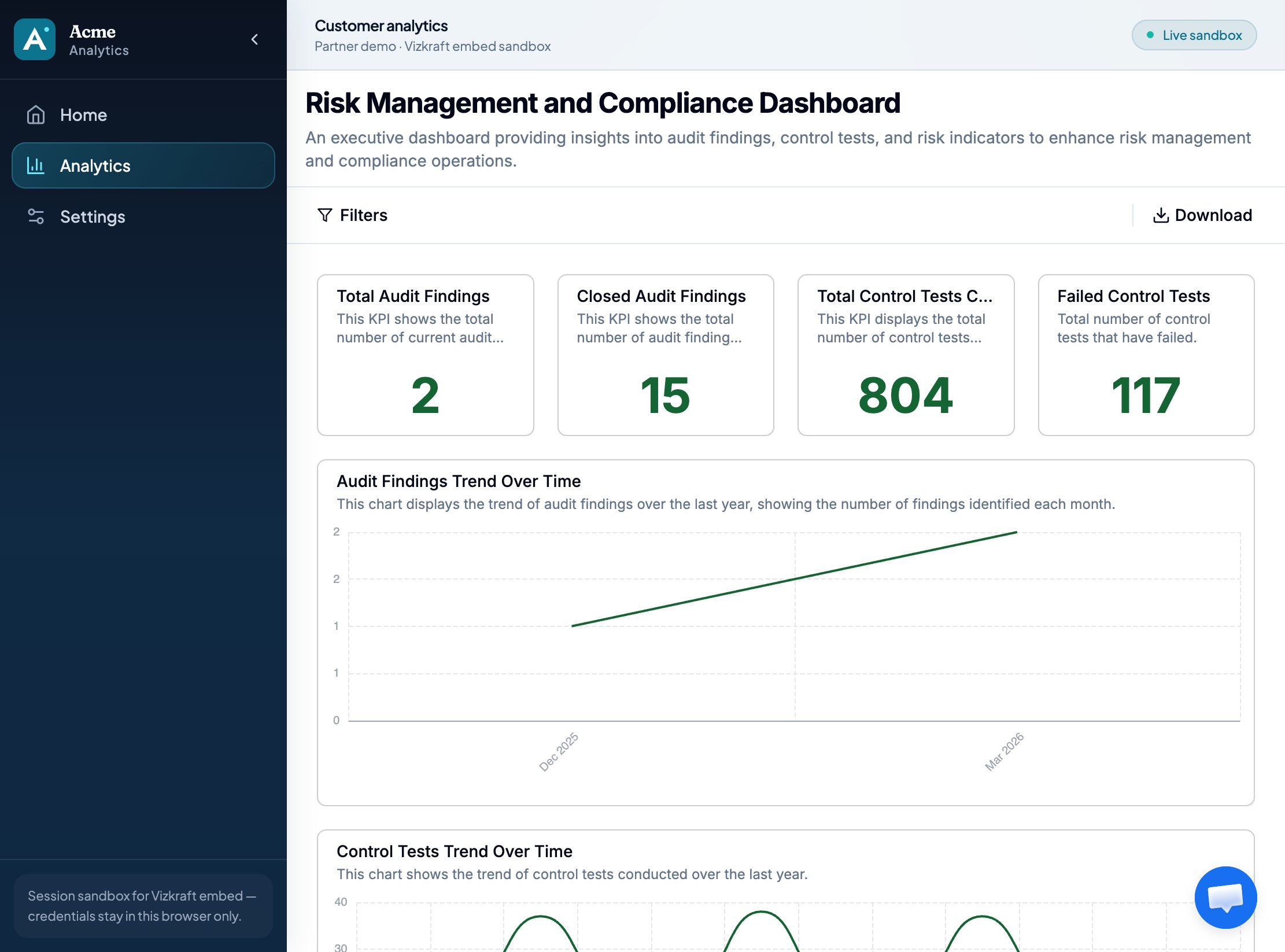
* Charts load for liquid value A
* Changing liquid to value B changes KPIs (tenant isolation)
* Title / filters / download match [Viewer options](/embed/viewer-options)
* Scroll works when the host uses `height: '100%'`
## Related
* [Developer guide](/embed/developer-guide) — production integration
* [Security](/embed/security) — why the mint proxy exists
* npm [@vizkraft/embed](https://www.npmjs.com/package/@vizkraft/embed)
 ## Steps
 ## What to verify
* Charts load for liquid value A
* Changing liquid to value B changes KPIs (tenant isolation)
* Title / filters / download match [Viewer options](/embed/viewer-options)
* Scroll works when the host uses `height: '100%'`
## Related
* [Developer guide](/embed/developer-guide) — production integration
* [Security](/embed/security) — why the mint proxy exists
* npm [@vizkraft/embed](https://www.npmjs.com/package/@vizkraft/embed)
## What to verify
* Charts load for liquid value A
* Changing liquid to value B changes KPIs (tenant isolation)
* Title / filters / download match [Viewer options](/embed/viewer-options)
* Scroll works when the host uses `height: '100%'`
## Related
* [Developer guide](/embed/developer-guide) — production integration
* [Security](/embed/security) — why the mint proxy exists
* npm [@vizkraft/embed](https://www.npmjs.com/package/@vizkraft/embed)