

URL
Open the demo at https://app.vizkraft.com/partner-demo. Credentials stay in the browser session for this sandbox only—they are not written to Vizkraft as a permanent partner config.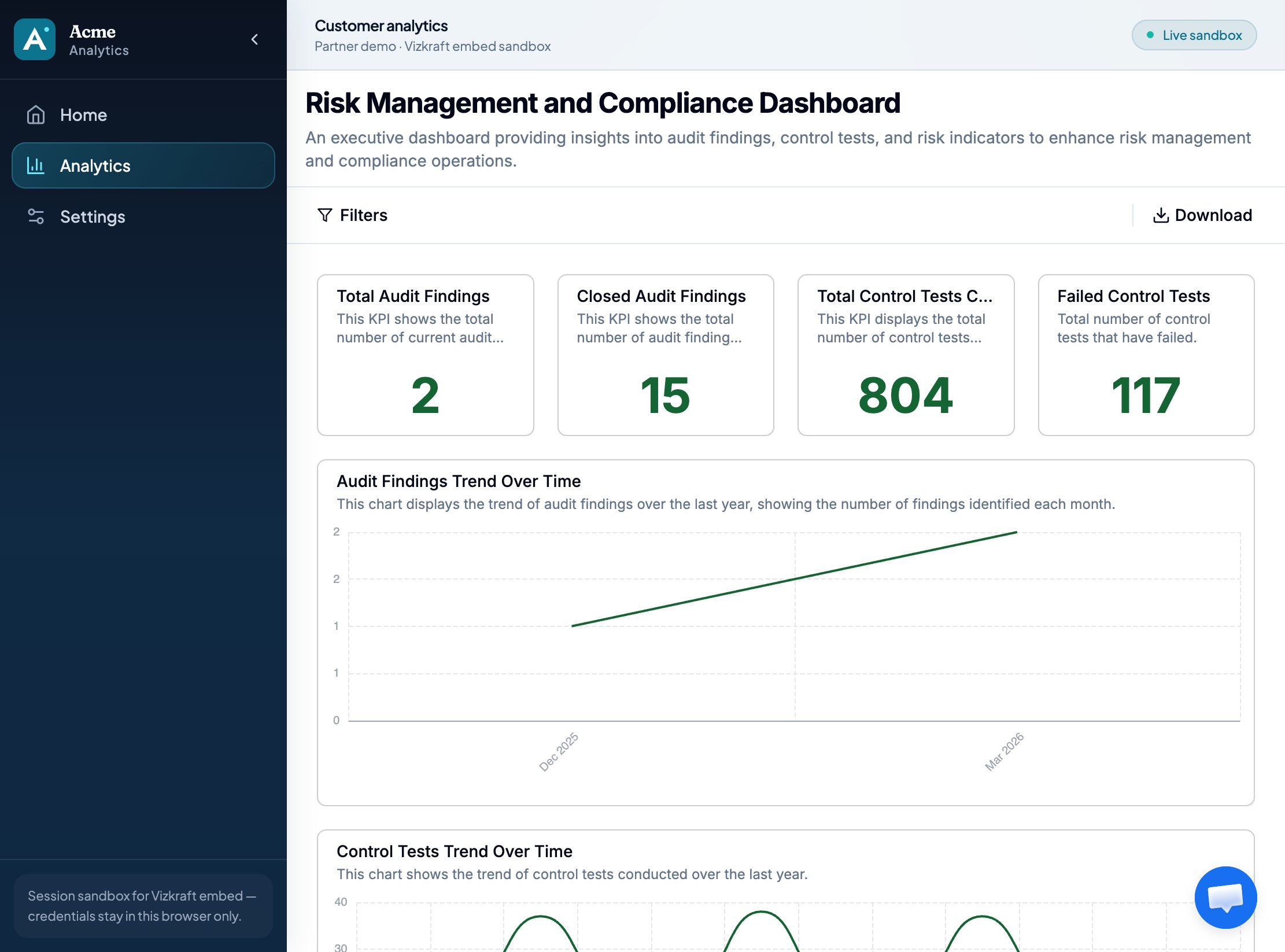
Steps
1
Enable embed in Vizkraft
Open your dashboard in app.vizkraft.com, enable embedding, add liquid tags, confirm coverage, and create an API key. See Admin setup.
2
Allow the demo origin
Add
https://app.vizkraft.com under Allowed origins so the demo can iframe the embed.3
Configure Acme Settings
Open Partner demo → Settings. Paste base URL, embed id, API key, and liquid tag values (for example
department_id=1).4
Open Analytics
Acme calls
/api/partner-demo/session (stand-in for your backend), then mounts @vizkraft/embed with getSessionToken. The API key never reaches the SDK.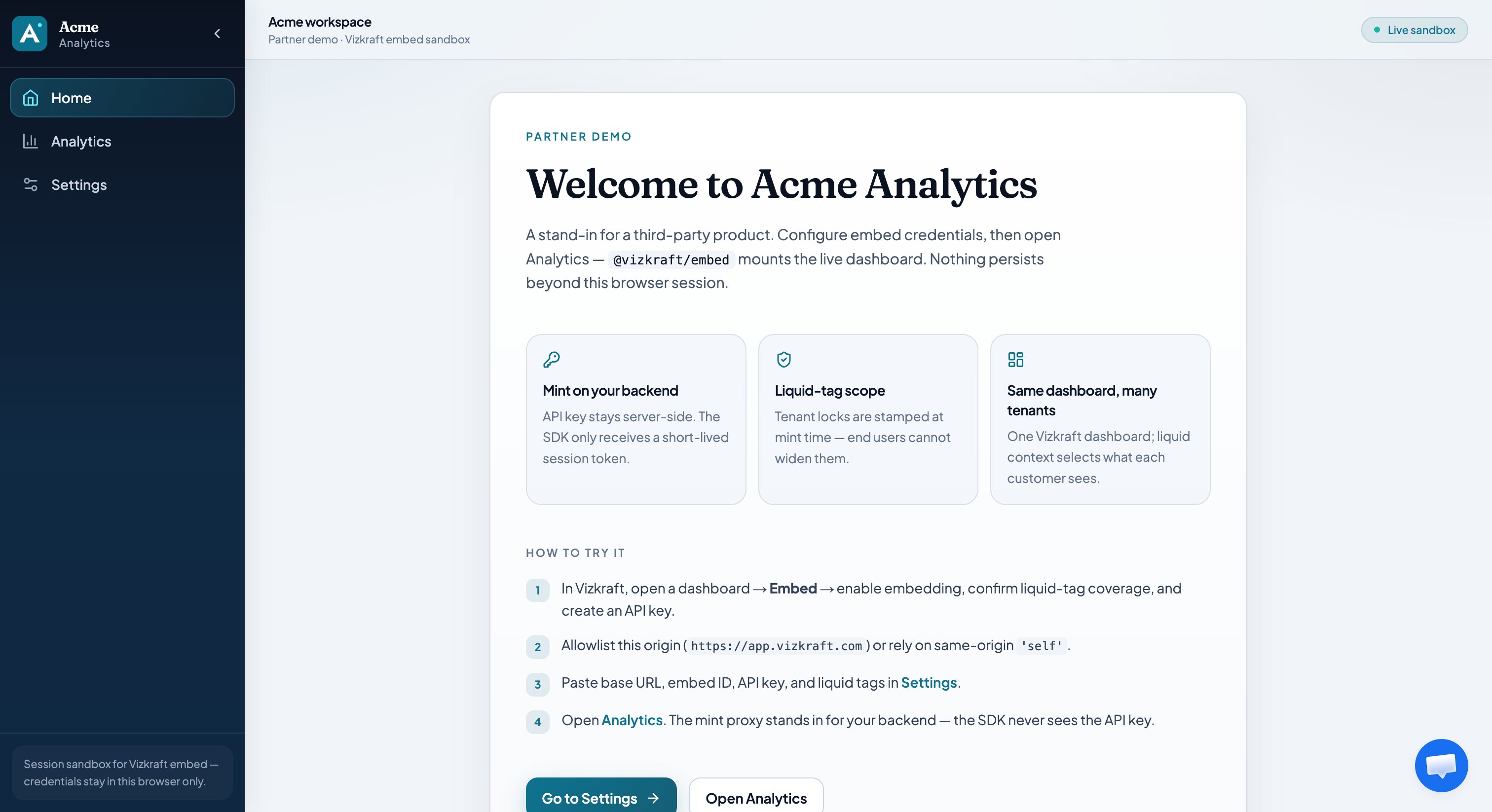
What to verify
- Charts load for liquid value A
- Changing liquid to value B changes KPIs (tenant isolation)
- Title / filters / download match Viewer options
- Scroll works when the host uses
height: '100%'
Related
- Developer guide — production integration
- Security — why the mint proxy exists
- npm @vizkraft/embed