

Where follow-up suggestions appear
After an assistant response, Vizkraft can show follow-up suggestions above the message input. These suggestions are tied to the current conversation and are designed to help you go deeper without rephrasing the full context.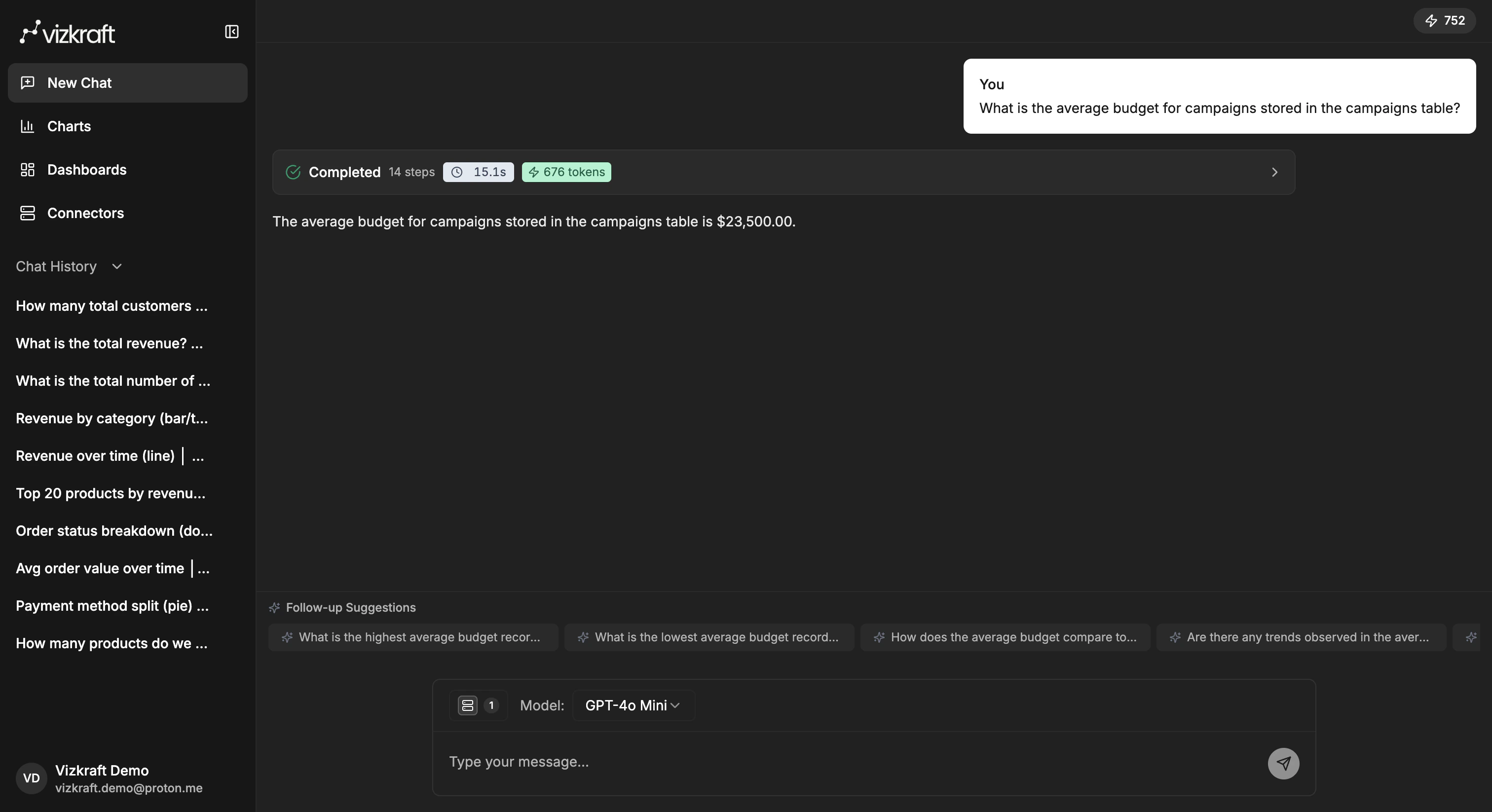
Use a suggested follow-up
- Wait for the answer to finish loading.
- Review the suggested follow-up chips above the input.
- Select the one you want, or type your own next question.
Good follow-up patterns
Use follow-ups to:- Narrow the answer to a region, product, customer segment, or owner.
- Change the time range.
- Compare two groups.
- Ask why a metric changed.
- Turn a written answer into a chart.
Examples
Start with:- Which products generated the most revenue last quarter?
- Show that by month.
- Focus on enterprise customers only.
- Compare this quarter vs the previous quarter.
- Turn this into a bar chart.
- Which product had the fastest growth rate instead of the highest total revenue?
Stay in the same thread when context matters
Continuing the current chat is useful when:- The next question depends on the previous answer.
- You want Vizkraft to keep using the same selected connectors.
- You are exploring one business topic from several angles.
If Vizkraft asks for clarification
Sometimes the app needs help choosing the right table or interpretation. When that happens:- Read the clarification prompt carefully.
- Choose the option that best matches your intent.
- Continue the conversation after the clarification is applied.