

Create a link
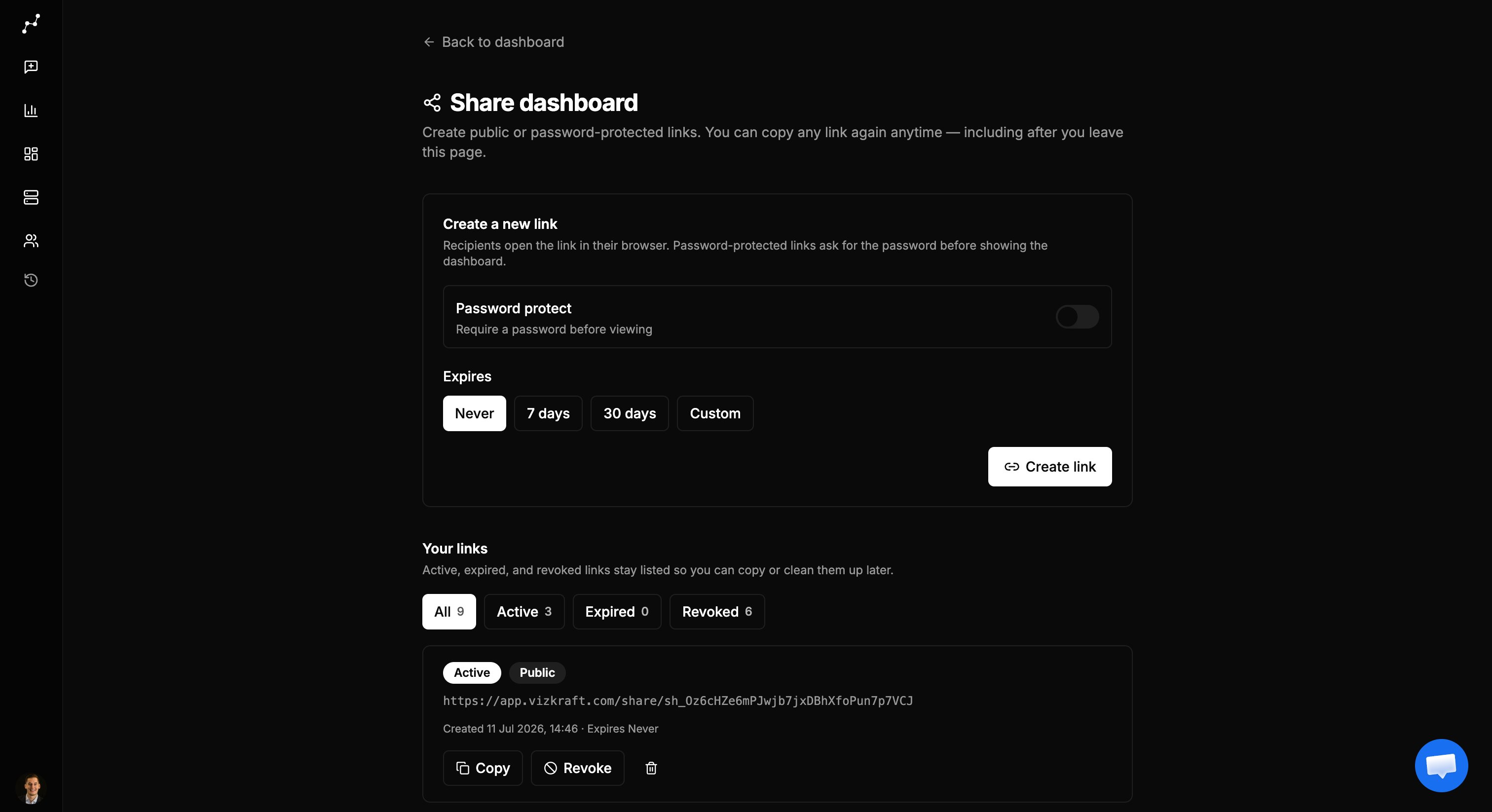
- Open the dashboard and click Share (opens
/dashboard/[id]/share). - Choose public or password-protected access.
- Optionally set an expiry.
- Click Create link. The full URL stays listed so you can copy it again anytime.
Manage links
Actions:
- Copy — re-copy the stored URL
- Revoke — stop access (active links)
- Delete — permanent remove (confirm)
Recipient experience
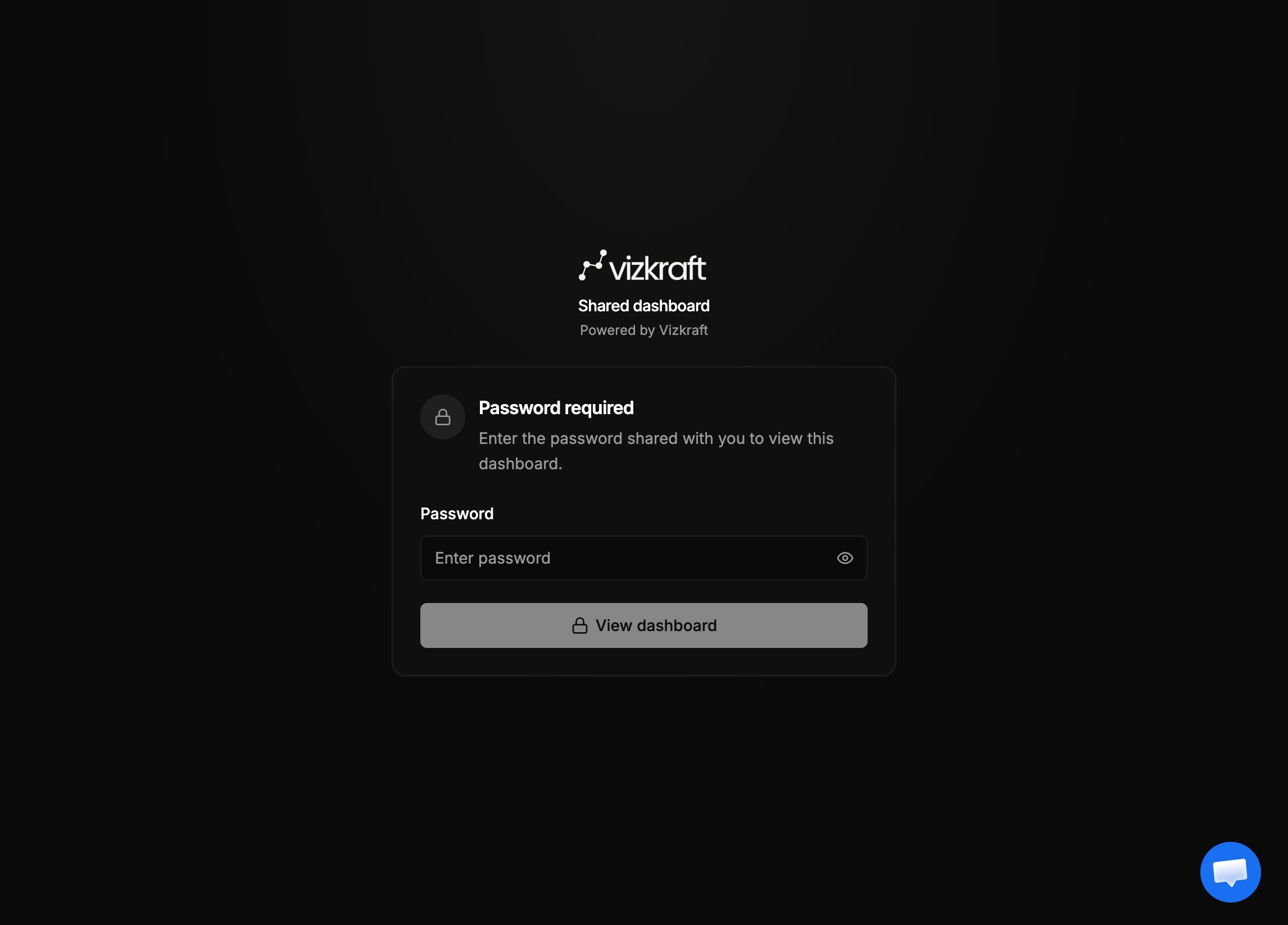
- Open
/share/sh_…(no Vizkraft login). - If password-protected, enter the password on the unlock page.
- Continue into the embed viewer for that dashboard.