

Where suggestions appear
Both areas keep suggested content separate from the charts and dashboards you have already saved.
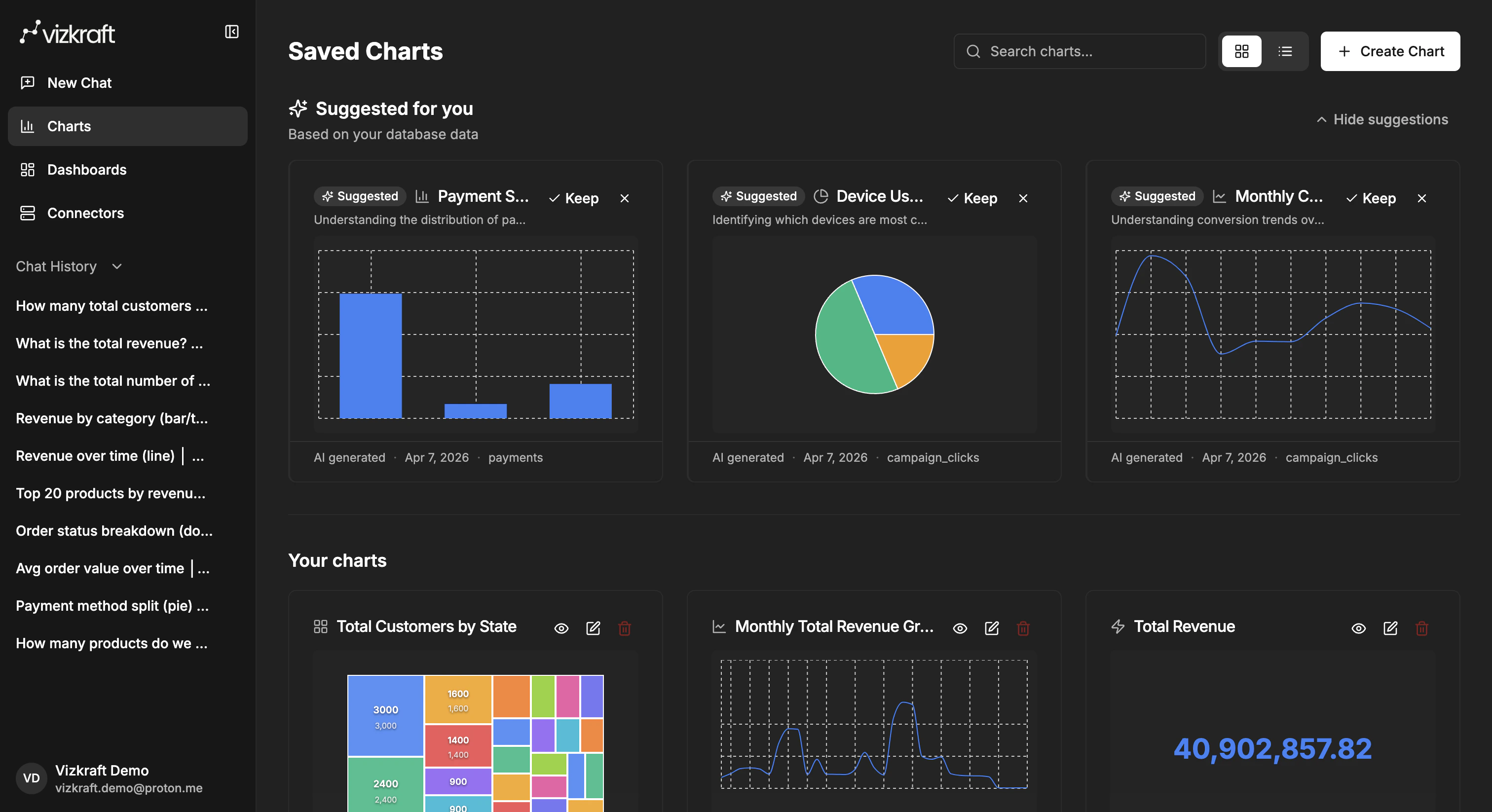
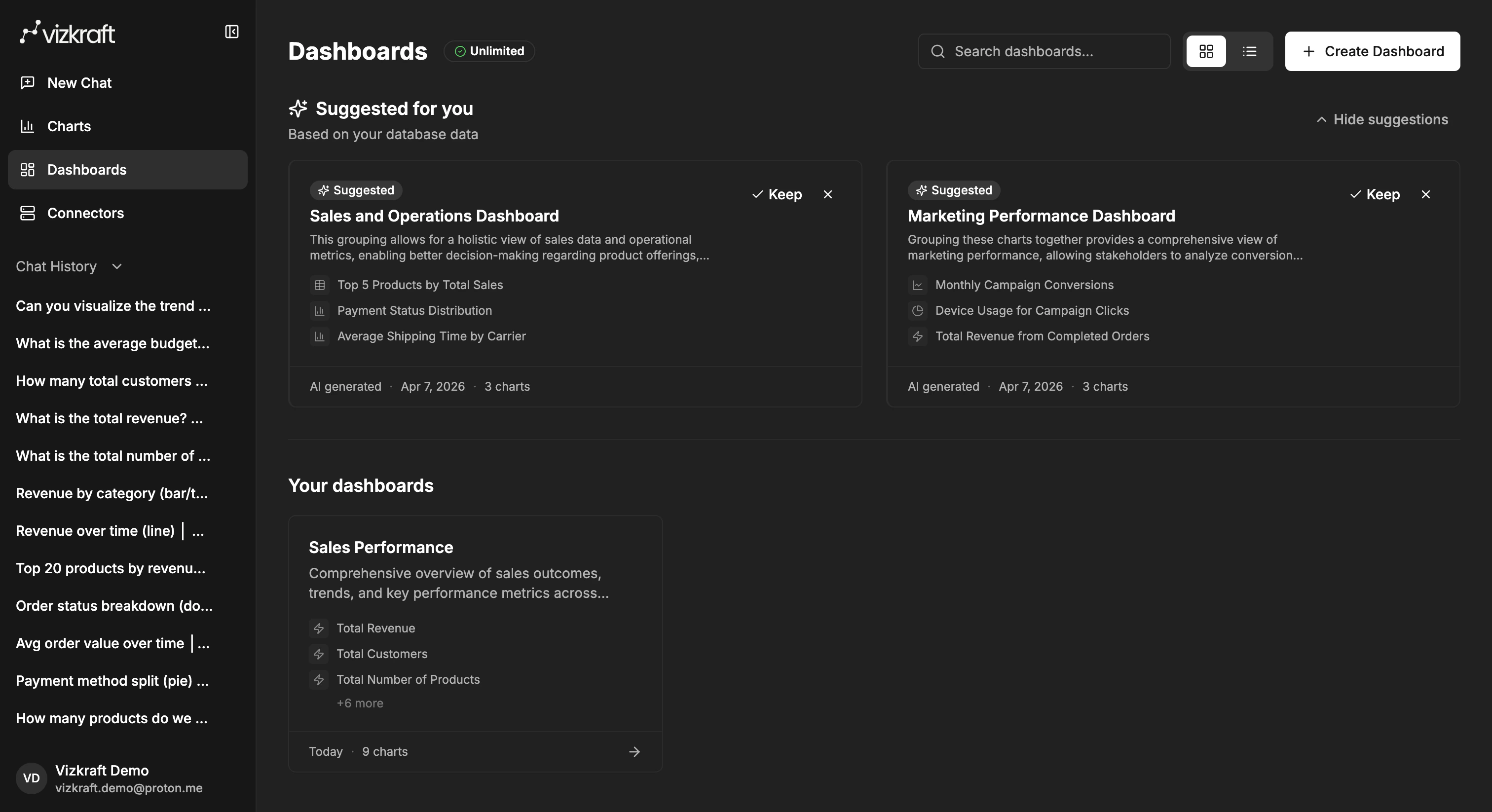
What happens before suggestions show up
Suggestions usually follow this flow:- Add a connector.
- Run indexing for the connector (or catalog sync for HubSpot).
- Select important tables if your schema is large — this steers which metrics Vizkraft prioritizes.
- Wait while Vizkraft analyzes the source and prepares suggestions.
- Refresh
ChartsorDashboardsif needed.
Keep or dismiss
For both suggested charts and suggested dashboards, you can:- Keep the suggestion and add it to your collection.
- Dismiss the suggestion if it is not useful.
How to use suggestions well
Suggestions are best used as:- A starting point for a new dashboard.
- A shortcut for common business questions.
- A way to discover useful tables or metrics after a fresh connector is indexed.
If suggestions are not visible yet
Check the following:- The connector was saved successfully.
- Indexing or catalog sync is complete for the connector.
- Important tables were selected if your schema is large.
- Enough time has passed for Vizkraft to generate suggestions (watch for the generating state on the library page).
- You refreshed the
ChartsorDashboardspage after indexing.
Stale suggestions after re-index
If you re-indexed a connector and suggestions look outdated:- Dismiss suggestions that no longer match your schema.
- Wait for Vizkraft to generate a fresh batch after re-indexing completes.
- Refresh the library page.