

Preferences area lets each user tailor how Vizkraft works for them.
Update your preferences
In the app, customers can update:- Theme
- Language
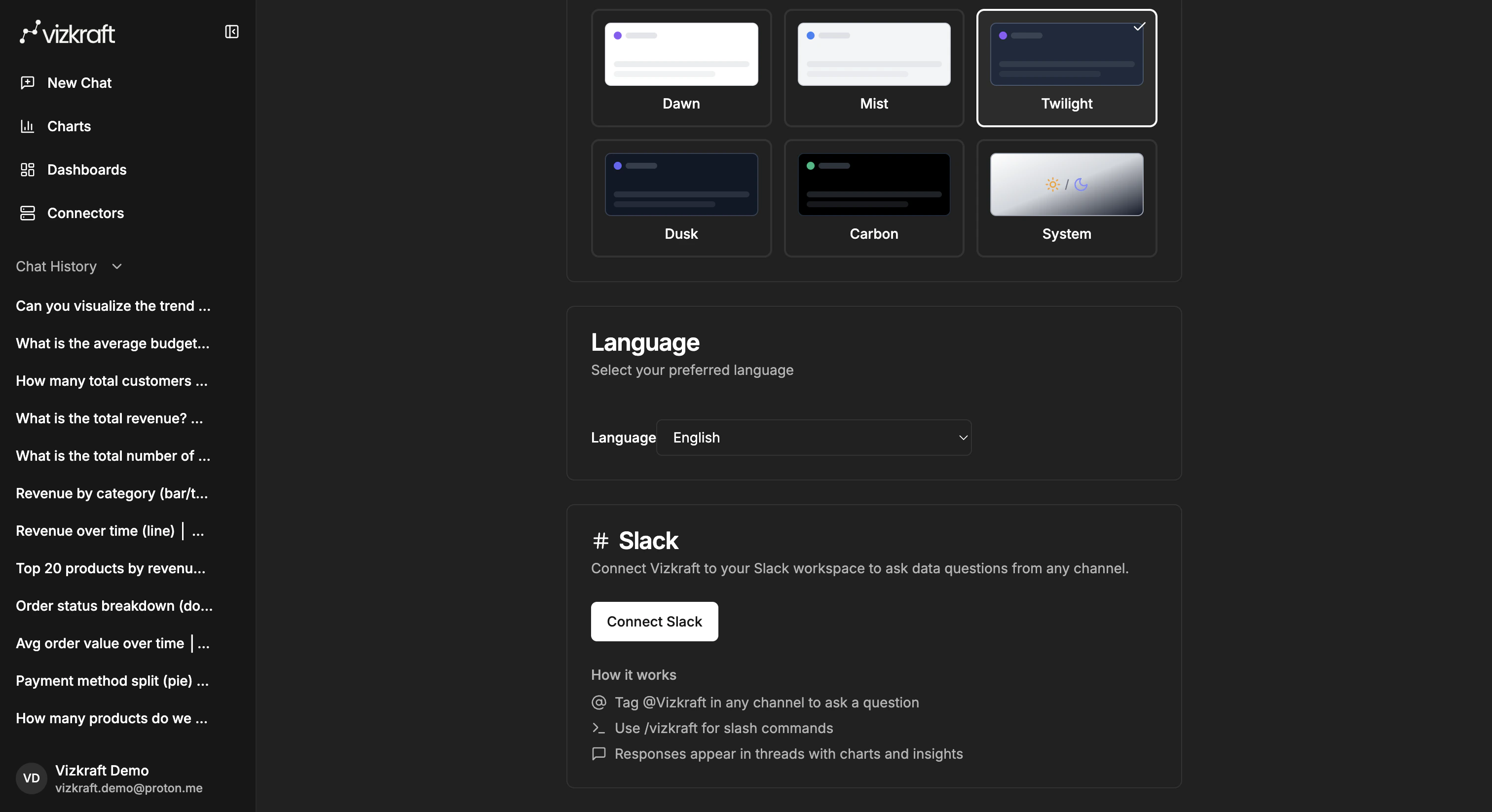
- Slack connection settings
Theme and language
Use theme settings to choose how the app looks to you, and language settings to select the language you want to use throughout the workspace.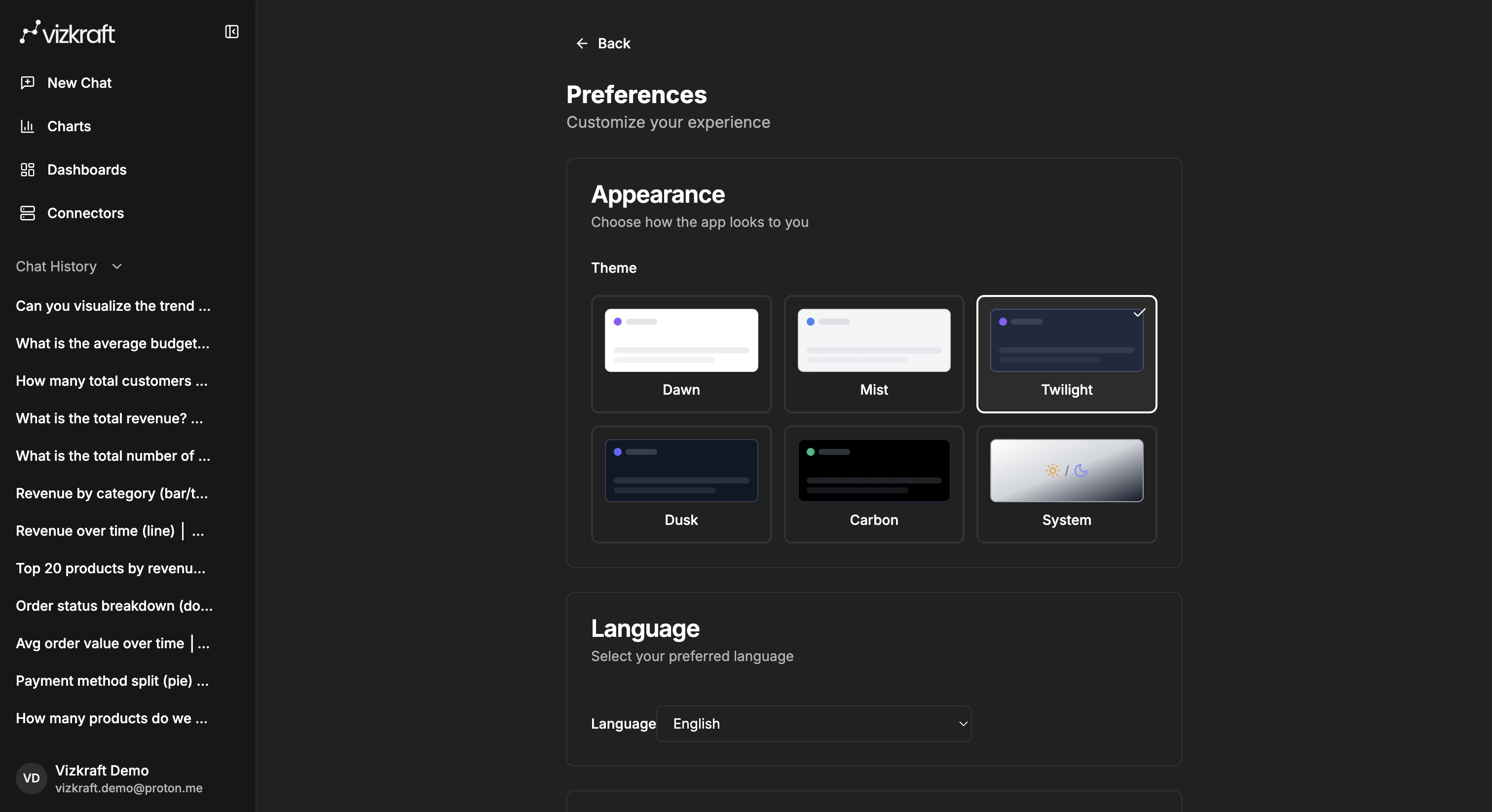
Slack in preferences
If Slack is enabled for your workspace, thePreferences page is where you manage your Slack connection.
From this card you can:
- Start the Slack connect flow.
- Confirm which workspace and Slack account are linked.
- Choose a default connector for Slack.
- Disconnect your own Slack account.
- If you are an admin, remove the Slack app from the workspace for your organization.
Other account areas
Depending on your workspace plan and permissions, your profile menu can also provide access to billing and usage pages.Usage
The usage page helps you monitor credits, recent chat activity, and time-based usage trends.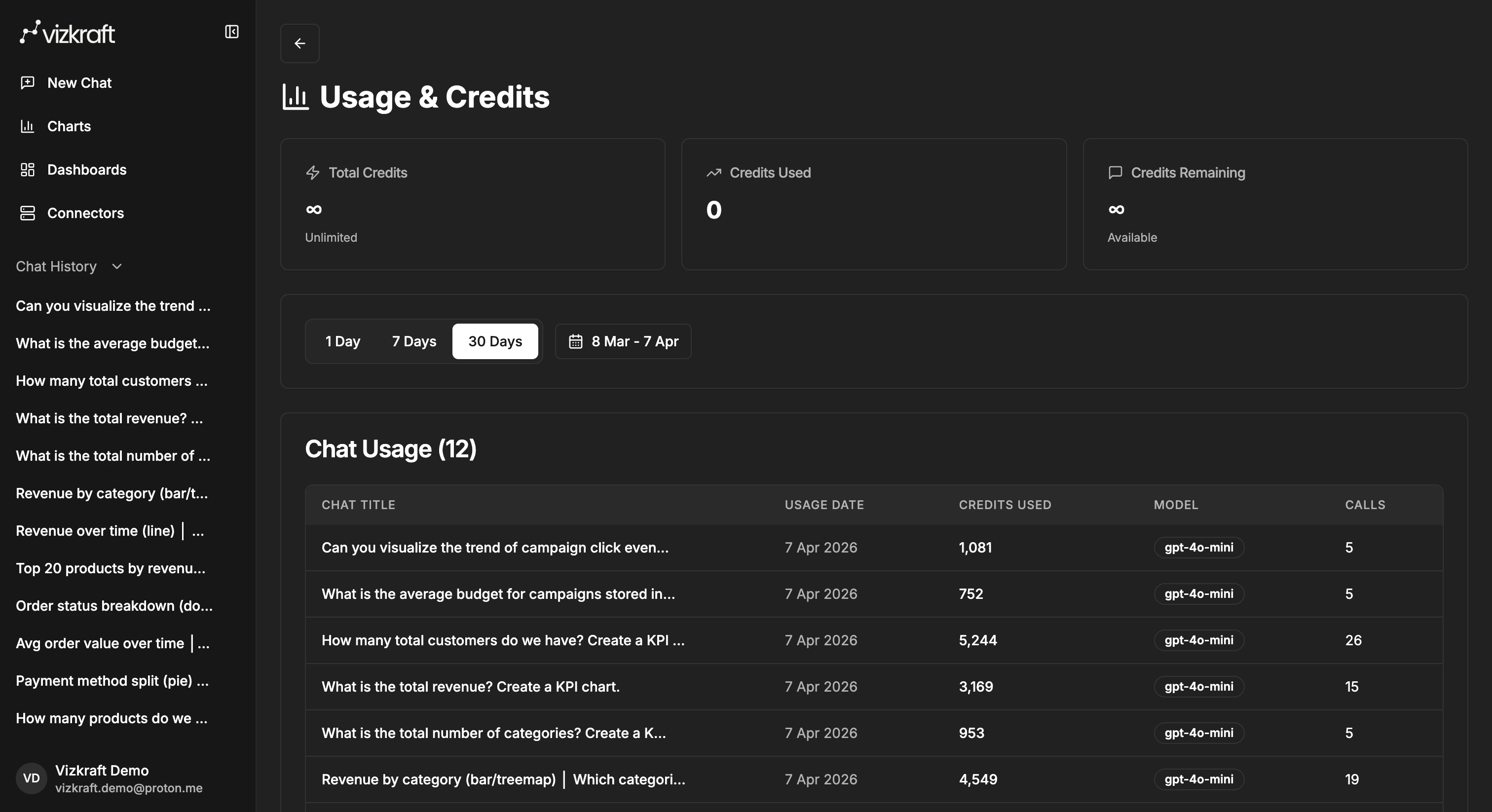
Billing
The billing area is where customers can review their current plan and subscription-related settings.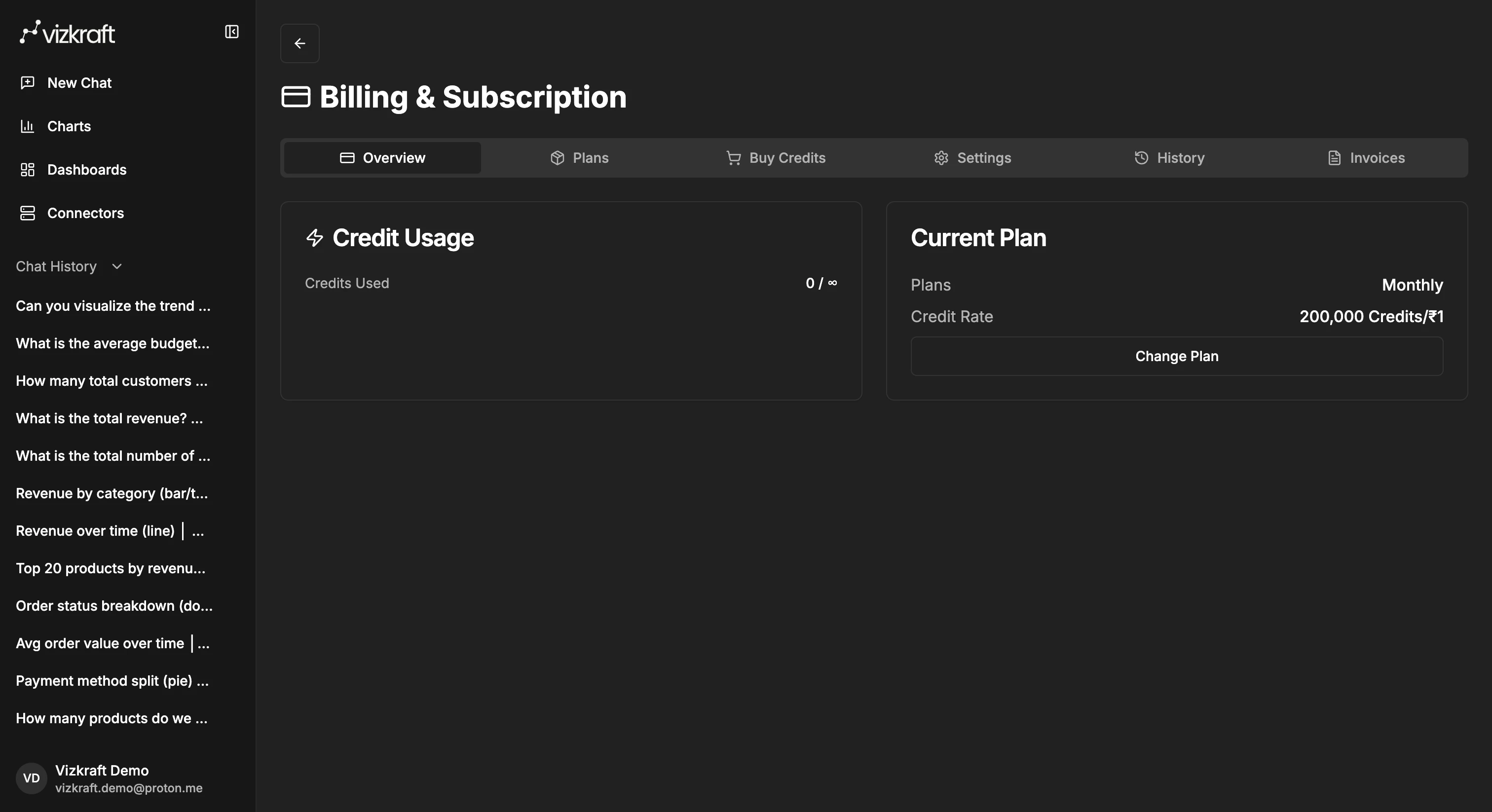
Best practices
- Pick a default Slack connector only if one source is used for most Slack questions.
- Keep connector names clear so they are easy to recognize in both the app and Slack.
- Use the web app for deeper chart editing and dashboard work, even if the first question started in Slack.